Private payments, without complexity.
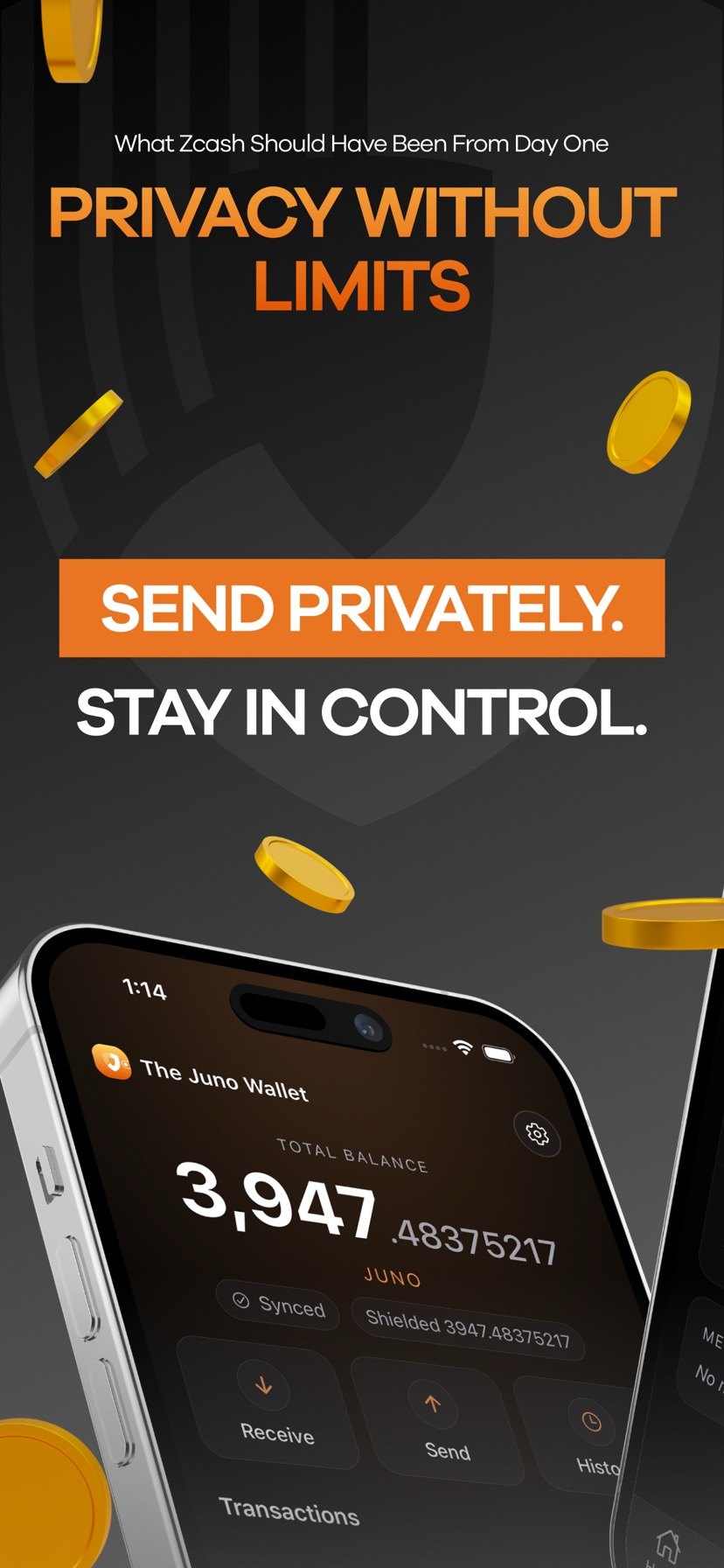
The Juno Wallet is a simple, non-custodial wallet for Juno Cash (JUNO). Shielded (Orchard) payments are the default, with optional transparent addresses for mining rewards.
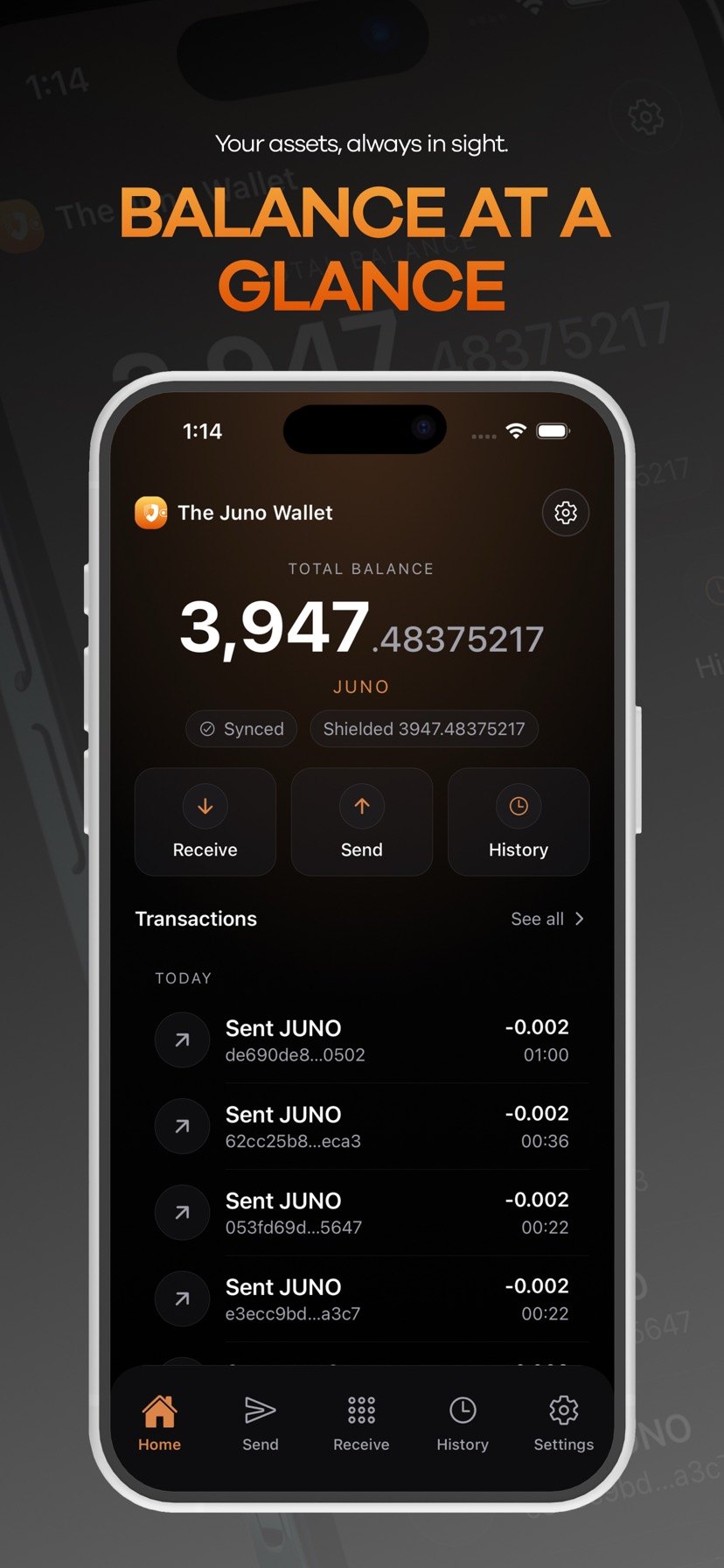
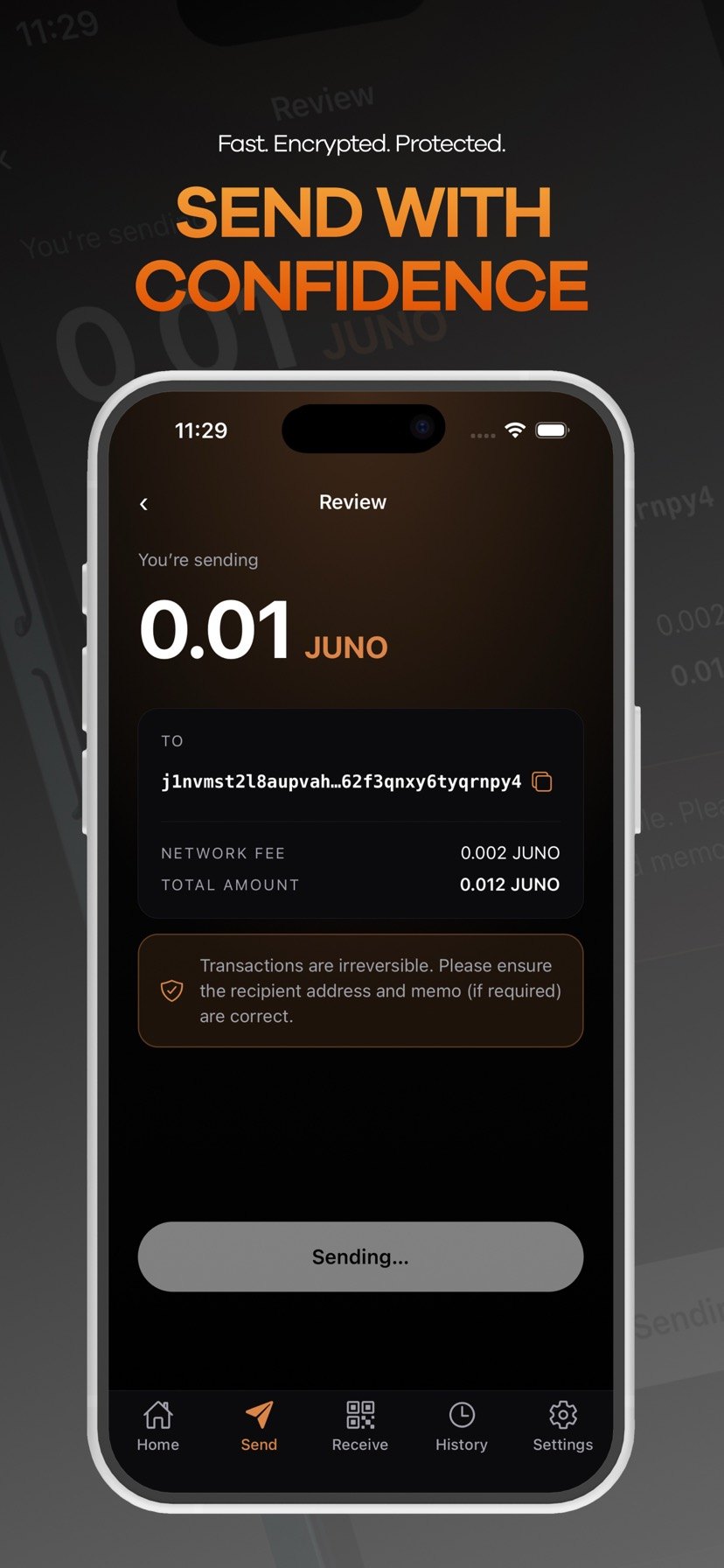
Designed for everyday use
The goal is straightforward: make private payments easy while keeping custody in your hands.
Non-custodial
Your seed phrase and spending keys stay on your device. The app signs transactions locally.
Shielded by default
Use Orchard shielded addresses for private sending and receiving. Keep sensitive activity off public ledgers.
Fast sync
Server-side scan acceleration speeds up syncing while keeping spending keys private.
Clarity across the wallet
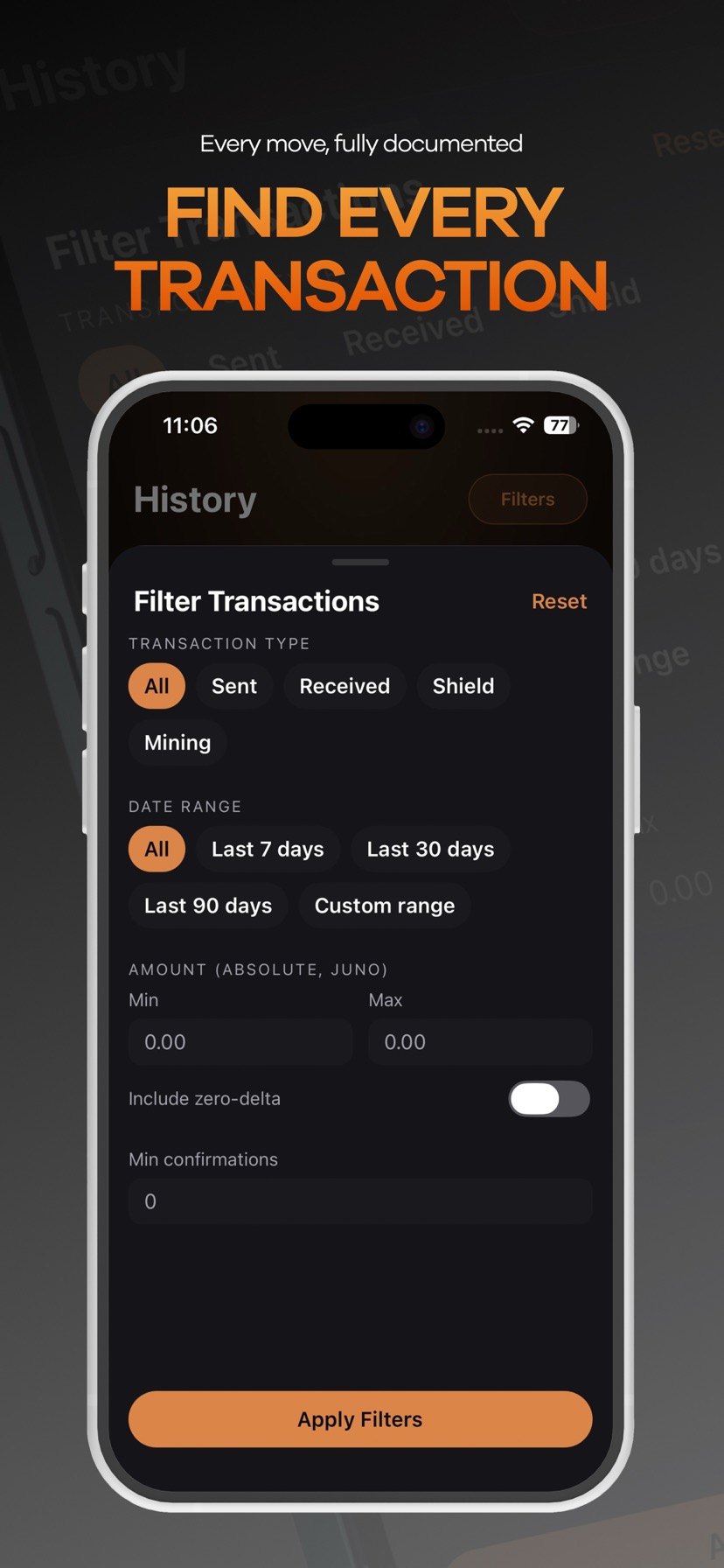
Search history fast, receive privately, and inspect transaction details without losing context.
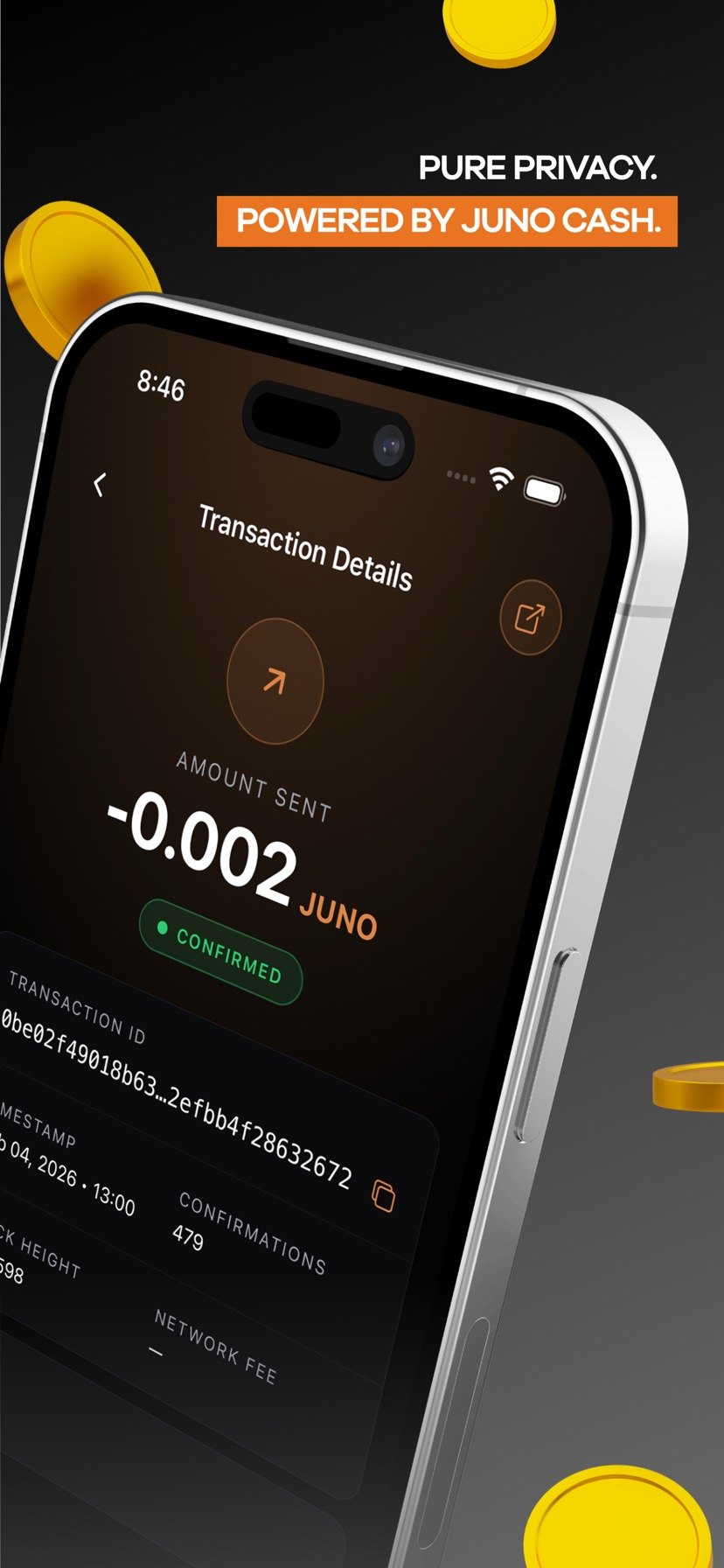
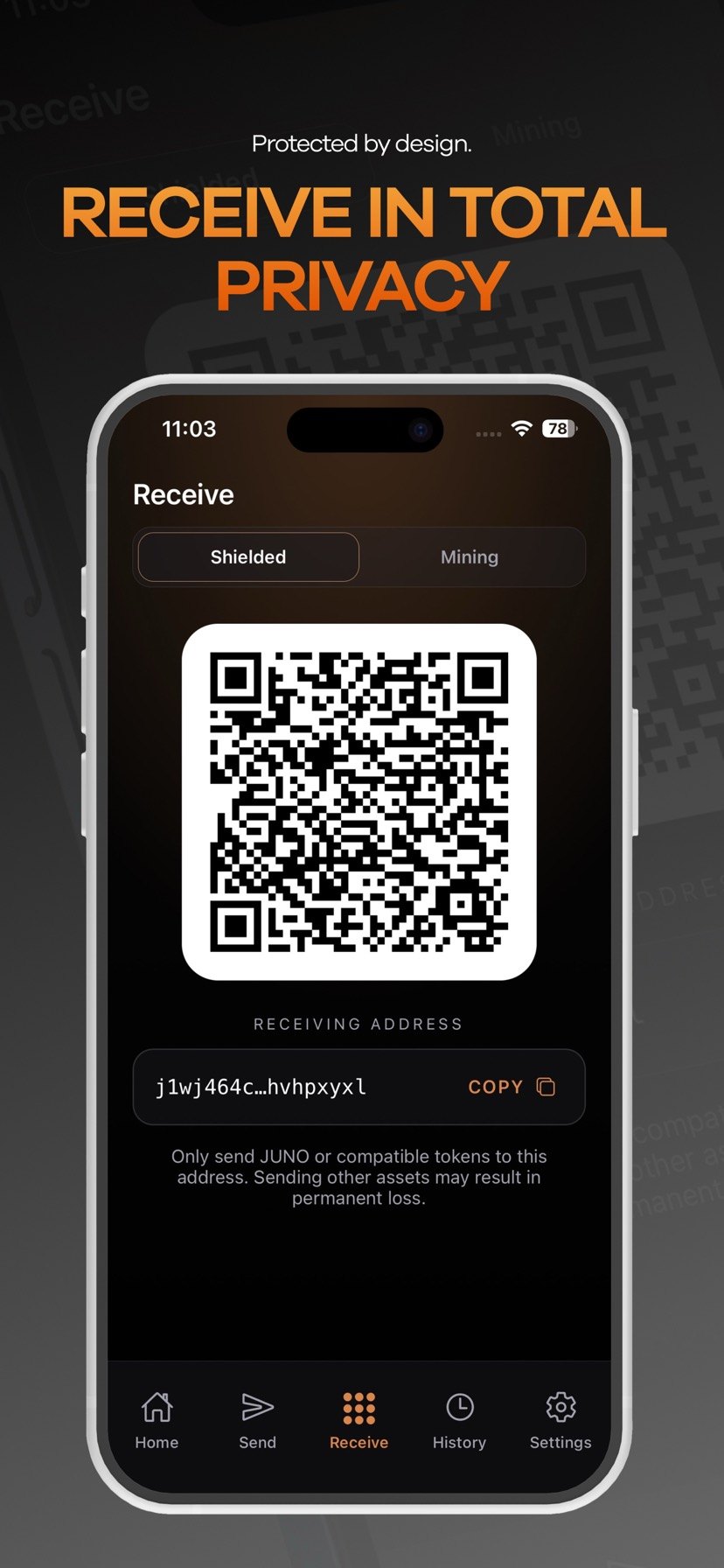
Download
Get the wallet from official sources. If something looks off, stop and contact support.
Desktop
macOS and Windows installers are served from downloads.thejunowallet.com.
FAQ
Answers to the most common questions about custody, privacy, syncing, and troubleshooting.
Is The Juno Wallet custodial?+
No. The wallet is non-custodial: your seed phrase and spending keys are generated and stored on your device.
- Transactions are signed on-device.
- We cannot access or recover your funds.
- Never share your seed phrase with anyone (including support).
What is a UFVK, and why does the wallet send it to your backend?+
A Unified Full Viewing Key (UFVK) lets a service scan the blockchain for your wallet’s incoming/outgoing activity without being able to spend your funds.
The Juno Wallet will send your UFVK (plus your “birthday” height) to our backend to accelerate shielded scanning and make syncs faster.
- A UFVK is sensitive: it can reveal your transaction activity.
- Spending keys and seed phrases are never sent to the backend.
- Details are in the Privacy Policy.
What data is sent when I use network features?+
Depending on the feature, the app may send:
- UFVK + derived scan state (for shielded scan acceleration).
- Wallet addresses (for balance/history queries).
- Signed raw transaction data (only when you ask us to broadcast).
- Network metadata such as IP address at the transport layer, request timing, and error codes.
We do not collect your seed phrase or spending keys.
Shielded vs. mining (transparent) addresses — what’s the difference?+
Shielded addresses are designed to keep transaction details private. Mining (transparent) addresses are public and are typically used for mining payouts.
- Shielded: better privacy for sending/receiving.
- Mining/transparent: public amounts/addresses; useful for mining rewards.
- You can move transparent funds into shielded funds by sending to your shielded address.
Why do I see separate balances?+
The wallet can display shielded and transparent balances separately because they live in different pools with different privacy properties. “Shielded (spendable)” reflects funds available for private spending.
If you receive mining payouts to a transparent address, you’ll need to move them into your shielded balance before spending.
How do fees work?+
Every transaction pays a network fee. The wallet estimates the fee and shows it on the confirmation screen before you send. The Juno Wallet does not add an extra fee on top of the network fee.
How do I back up and restore my wallet?+
Your seed phrase is your backup. Write it down and store it offline.
- Do not store it in plaintext notes, screenshots, or cloud docs.
- Anyone with the seed phrase can spend your funds.
- If you lose it and lose your device, funds cannot be recovered.
When restoring, the wallet will rescan to rebuild balances and history. This can take time depending on your birthday height and network conditions.
My sync seems slow or stuck — what should I try?+
- Keep the app open and on a stable connection (Wi‑Fi recommended).
- Update to the latest app version.
- Restart the app (and your device if needed).
- If you use a VPN, try turning it off temporarily.
If it still doesn’t progress, contact support and include your device model, OS version, app version, and the last synced height shown in the app. Do not include your seed phrase or any private keys.
A transaction is pending — what does that mean?+
Pending means the transaction has been created and broadcast, but it hasn’t reached the confirmation threshold yet. Confirmations depend on network conditions and can take time.
Where should I download the desktop app from?+
Only download from official domains:
thejunowallet.comdownloads.thejunowallet.com
If someone asks you to install a wallet from a different domain, assume it’s a scam and contact support.
Support
Need help or want to report a bug? Email us and we’ll respond as soon as we can.
Contact
Email: abdullah@thejunowallet.com
For your safety, never send your seed phrase, spending keys, UFVK, or private logs over email.
What to include
To help us diagnose issues quickly, include:
- Device model + OS version
- App version
- What you were trying to do (send / receive / sync)
- Any on-screen error message (a screenshot is helpful)
j1nvmst2l8aupvaher30zyw78m429heheefc2g29ss44v4qffgd3pj23rk23u2ggc8jp2fpzk2qrd5p6j2sqdcvzf62f3qnxy6tyqrnpy40x42F5EB78d337C6ee8cdEaacD81a73F694EDdeDd97Qx1LJUMeCXr8ygfwdnEmGbYSsQPrgHrFU7VPuGXJeEH